
The best Screen Studio alternatives in 2026 are Screenforge (free, automatic zoom), OBS Studio (open-source, all platforms), Loom (async teams), Cap (quick shareable clips), Descript (transcript editing), and Camtasia (professional tutorial production).
Screen Studio moved to a subscription model in 2025 ($20/month, or ~$9/month billed annually) and runs only on macOS. For developers on mixed teams, indie makers watching their budget, or anyone needing Windows support, these six tools cover every common reason to look elsewhere — ranked by use case, not affiliate revenue.
TL;DR — Quick answers
- Best free overall: Screenforge — automatic zoom, multi-lane timeline, local AI captions, teleprompter, cursor effects, no watermark, zero cost. macOS now, Windows coming.
- Best open-source: OBS Studio — 72k+ GitHub stars, fully free, identical on Mac/Win/Linux. No auto zoom.
- Best for async teams: Loom (owned by Atlassian) — shareable links, viewer analytics, timestamps. Free up to 5 min/25 videos.
- Best for quick clips: Cap — local record → shareable link in under 30 seconds. Free, Mac & Windows.
- Best for transcript editing: Descript — edit video by deleting words. Free 60 min/month, Creator plan $24/mo.
- Best professional suite: Camtasia — SCORM export, quizzes, LMS integration. From $178.88/yr.
Screen Studio Alternatives: Quick Comparison (2026)
The screen recording software market reached $2.49 billion in 2025, growing at an 18.5% CAGR — which means tool choices are expanding fast. Here's how the six main Screen Studio alternatives compare on the metrics that matter most.
| Tool | Price | Auto Zoom | Platform | Watermark |
|---|---|---|---|---|
| Screenforge Top pick | Free | Yes — automatic | Mac (Win soon) | None |
| OBS Studio | Free | No | Mac · Win · Linux | None |
| Loom | Free / $18/mo | No | Mac · Win · Browser | Yes (free tier) |
| Cap | Free / $8.20/mo | No | Mac · Win | None |
| Descript | Free / $16/mo | No | Mac · Win | Yes (free tier) |
| Camtasia | From $178.88/yr | No | Mac · Win | Yes (free tier) |
| Screen Studio | $9–$20/mo | Yes — automatic | Mac only | None |
Pricing verified April 2026 from official product pages. Screen Studio pricing based on screen.studio subscription page.
Why People Switch from Screen Studio
Screen Studio earned its reputation — automatic zoom, cinematic cursor motion, and polished exports made it the default recommendation for developers publishing tutorials and product demos. But four friction points consistently drive users to look elsewhere, and they show up in every major review thread.
- Subscription pricing since 2025. Screen Studio shifted from a $89 one-time license to a subscription model: $20/month or ~$9/month billed annually. For occasional use, the ongoing cost is hard to justify — especially when free alternatives have closed the feature gap.
- macOS lock-in. Windows developers on mixed teams simply cannot use it. There is no cross-platform version and none has been announced. Teams that include even one Windows developer need a different solution.
- No transcript-based editing. Mistakes require manual timeline trimming. There's no way to cut footage by editing the script, and filler word removal must be done frame by frame.
- No collaboration layer. Screen Studio produces exported files. If your workflow requires sharing links, collecting timestamped feedback from stakeholders, or tracking who watched a recording, a separate tool is mandatory.
Screenforge
Best free Screen Studio alternative — automatic zoom at zero cost
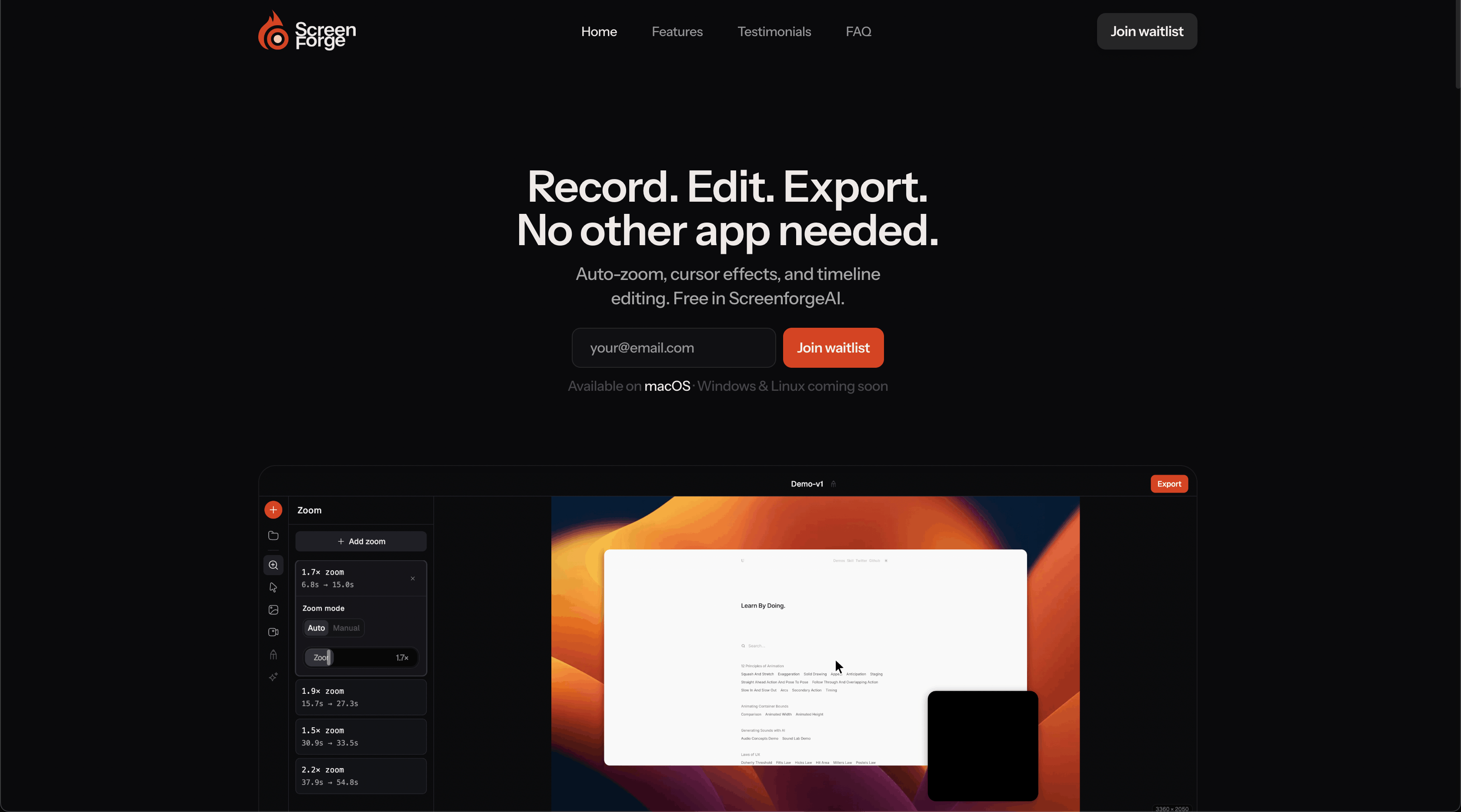
Screenforge is the only free alternative that directly matches Screen Studio's core capability: automatic zoom animations analyzed from cursor movement and click patterns, with no manual keyframing required. It's available today at screenforgeai.com with no account and no trial limit.
The multi-lane timeline editor gives you separate tracks for video, audio, zoom, and camera — you can split clips, trim edges, drag segments, and skip gaps during preview. Cursor effects include restyling presets, motion smoothing, tilt on movement, click ripple animations, and optional click sounds. Camera overlay captures your webcam as a dedicated track with configurable shape, size, position, and drop shadow. AI-powered local transcription (Whisper) generates editable word-level captions without sending data to any server. A built-in teleprompter lets you scroll your script in a floating overlay while recording. Exports to MP4 or GIF at up to 1080p 60 fps, processed entirely on your machine. Build releases and version history are tracked on the Screenforge changelog.
Why it wins over Screen Studio
- The only free alternative with automatic zoom animations — Screen Studio now costs $9–$20/month for the same capability
- Multi-lane timeline with zoom track, audio waveform, and full keyboard shortcut coverage
- AI caption generation runs locally via Whisper — no upload, no third-party service
- Built-in teleprompter for recording with a script
- No watermark on any export, no account required, entirely local processing
Best for Developers recording walkthroughs, tutorial creators, solo makers, teams watching budget
Tradeoff Windows not available yet — OBS Studio or Loom fill that gap in the meantime
OBS Studio
Best open-source Screen Studio alternative — free on every platform
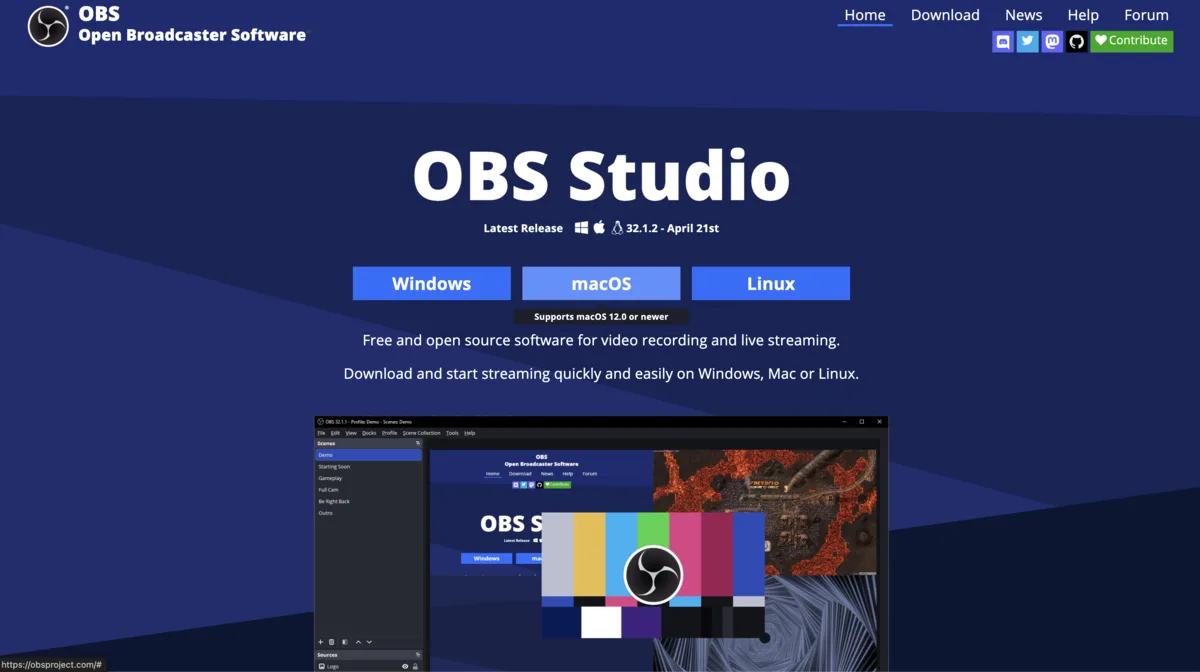
OBS Studio is the most widely deployed screen recording tool in the world by installation count — 72,000+ GitHub stars, over 240 releases, and active maintenance as of April 2026. Multi-source capture, scene switching, audio mixing, live streaming, and local recording are all included at zero cost, with no feature gating of any kind.
The tradeoff is complexity. There's no automatic zoom, no cursor effects, and the initial setup requires more configuration than Screen Studio or Screenforge. For teams that need zero cost and cross-platform consistency, OBS removes every other concern.
Why it wins in specific situations
- Completely free with no feature restrictions, no subscription, no trial
- Runs identically on macOS, Windows, and Linux — the only tool here that covers Linux
- Multi-source capture: screen, webcam, audio, browser sources simultaneously
- Plugin ecosystem adds virtual cameras, noise suppression, and advanced mixing
Best for Open-source teams, Linux developers, Windows users, multi-source recording
Tradeoff No automatic zoom or cursor effects — those must be added in post-production
Loom
Best Screen Studio alternative for async team communication
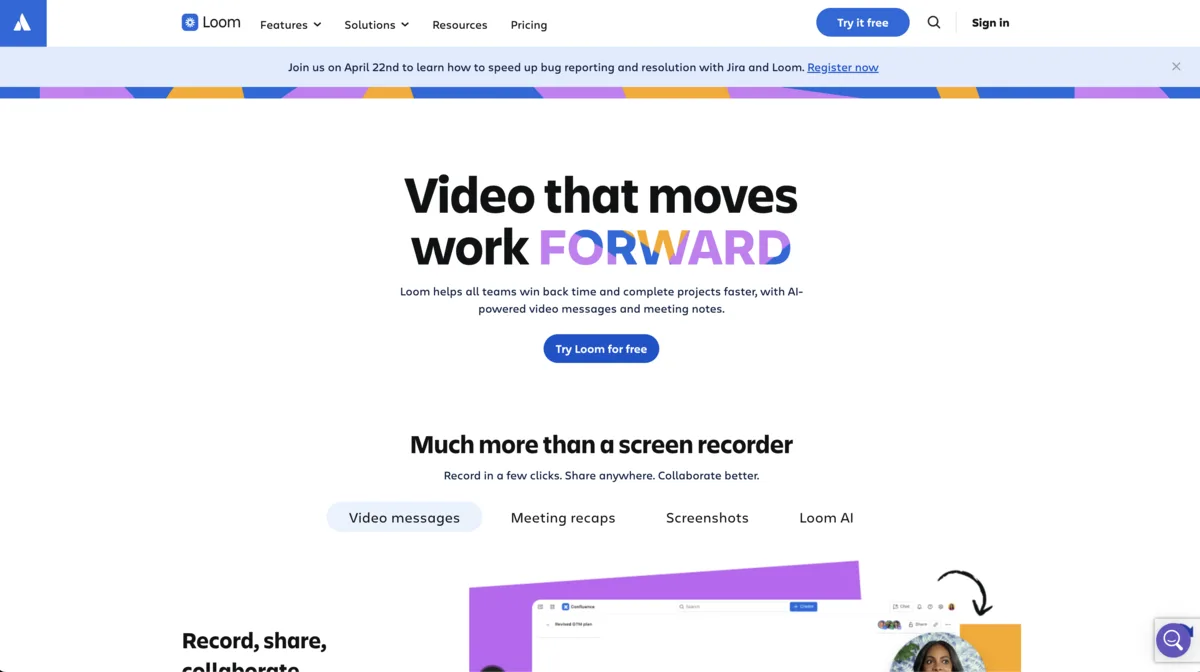
Loom solves a different problem than Screen Studio. Where Screen Studio produces polished exported files, Loom produces shareable links. Record, stop, send the URL — viewers watch in a browser with no download. They leave timestamped comments. You see who watched and how far they got.
Loom was acquired by Atlassian for $975 million in October 2023 and now has over 25 million users across 400,000 companies. In 2024, users recorded 88 million videos, replacing an estimated 202 million meetings. It's a communication tool built at enterprise scale.
Why it wins for team workflows
- Instant shareable link — no export wait, no file transfer, no download for viewers
- Viewer analytics: who watched, when they dropped off, total play count
- Timestamped comments from viewers inside the video player
- Works on Windows and as a browser extension — Screen Studio does not
Best for Engineering teams, design handoffs, customer success, async code reviews
Tradeoff Free tier caps recordings at 5 minutes and 25 total videos. No automatic zoom. Not built for polished tutorial production.
Cap
Best for quick shareable clips — record and share in under 30 seconds
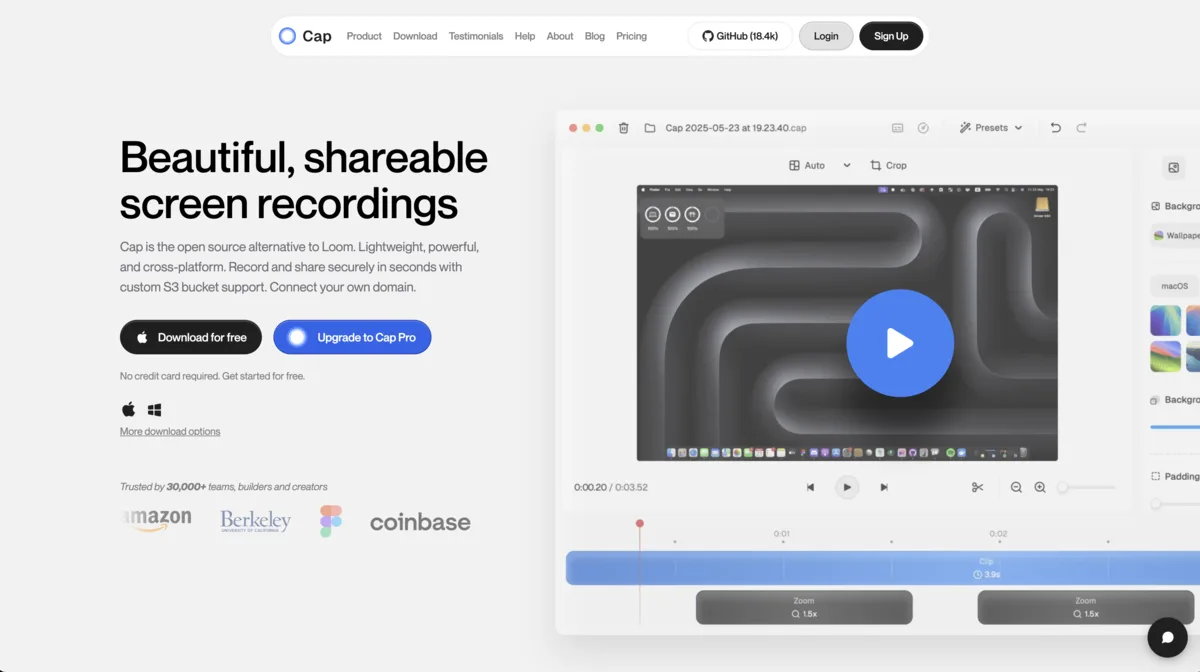
Cap is an open-source screen recorder built around one metric: how fast can you get a recording into someone else's hands? You record, it processes locally, it uploads, and you have a clean shareable link — typically under 30 seconds after stopping. The editor covers start/end trimming and background adjustments. That's the scope by design.
Cap runs on both macOS and Windows, which puts it ahead of Screen Studio and Screenforge for cross-platform quick-sharing workflows. The free plan includes unlimited local recording and 5-minute shareable links.
Why it wins for speed-first workflows
- Fastest path from recording to shareable link of any tool in this comparison
- Clean public viewer with no Cap branding on the free tier
- Open-source: self-hostable for teams with privacy requirements
- Available on both macOS and Windows, unlike Screen Studio
Best for Bug reports, quick demos, one-off walkthroughs where turnaround speed is the priority
Tradeoff Minimal editing beyond trimming — not suitable for multi-clip tutorials or anything requiring post-production
Descript
Best for transcript-based editing — cut video by editing text
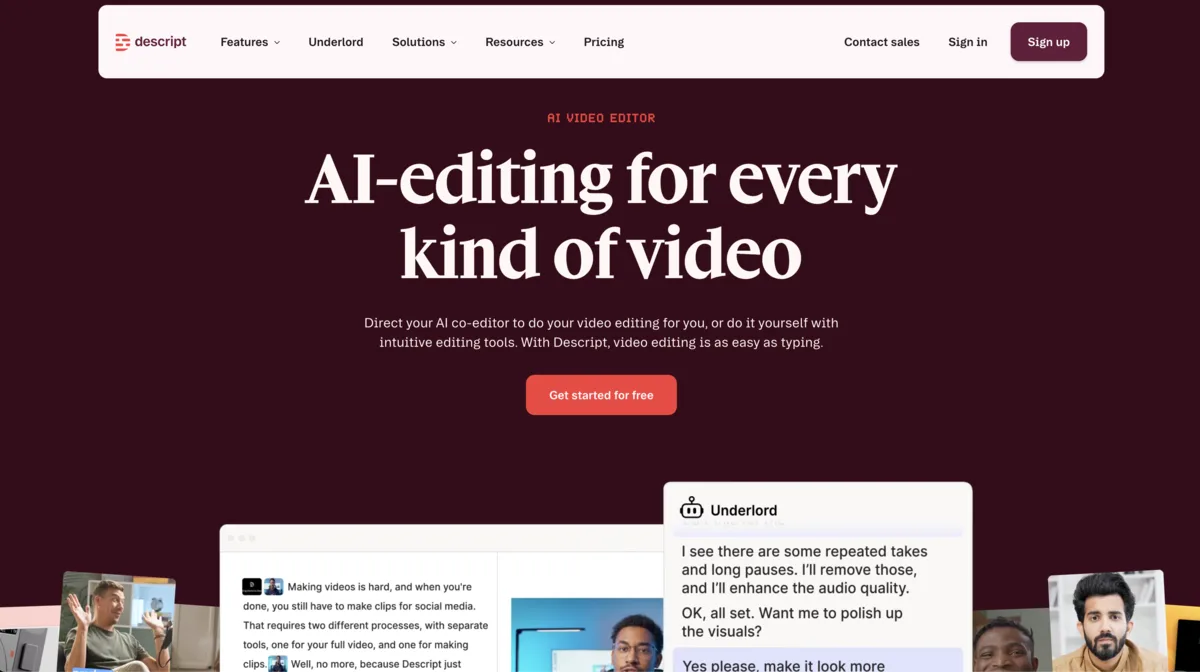
Descript transcribes your recording automatically and syncs the text to the video. Delete a sentence from the transcript and the corresponding clip disappears. It's the fastest way to cut filler words, remove mistakes, and tighten a recording without scrubbing a timeline frame by frame.
Descript updated its pricing model in September 2025, moving to a dual system of media minutes and AI credits that reset monthly. The free tier gives 60 media minutes per month with a watermark on exports. The Creator plan ($24/month) removes the watermark and raises the limit to 30 hours.
Why it wins for editing-heavy workflows
- Edit video by editing text — eliminates timeline scrubbing entirely for content cuts
- Automatic filler word removal: ums, uhs, extended silences with one click
- Multitrack editing for screen, camera, and audio as separate layers
- Runs on Windows — the only editing-focused alternative in this list that does
Best for Long-form tutorial creators, product marketers, developers who re-record frequently and spend heavy time editing
Tradeoff Free tier has a watermark. Creator plan at $24/mo is more expensive than Screen Studio's subscription. No automatic zoom.
Camtasia
Best for professional course and training production with LMS export
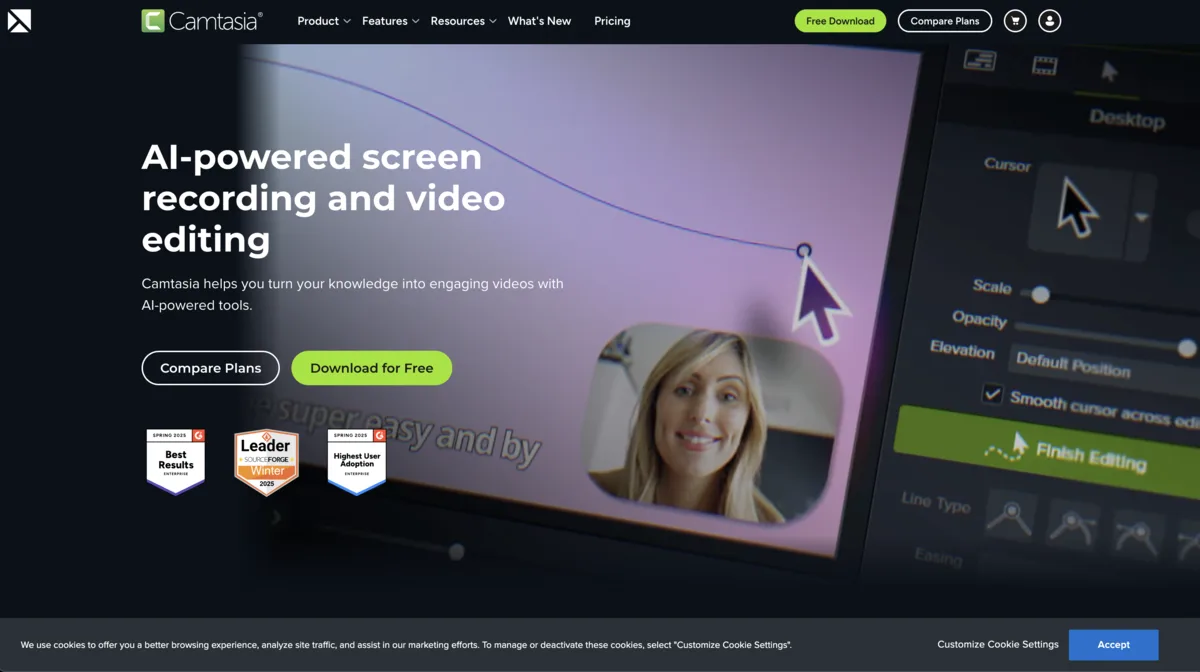
Camtasia is the standard tool for corporate training and professional tutorial production. The Essentials plan ($178.88/year) covers callout annotations, zoom-and-pan effects, and timeline editing. Higher tiers add advanced interactivity and team features. TechSmith transitioned Camtasia to subscription-only in February 2025 — perpetual licenses are no longer sold to new customers.
The key differentiator from everything else on this list is SCORM export and LMS integration — quiz results, completion tracking, and grade reporting to platforms like Moodle, Canvas, Brightspace, and Blackboard. No other tool here covers that use case.
Why it wins for enterprise and course production
- Built-in quiz creation and SCORM export for LMS gradebook integration
- Callout annotations, zoom/pan effects, and pre-built transition library
- Perpetual license holders with active maintenance guaranteed access through 2030
- Long-term enterprise track record with TechSmith's dedicated support
Best for Corporate L&D teams, instructional designers, course creators publishing to LMS platforms
Tradeoff Entry plan at $178.88/yr is 2–20x the cost of alternatives here. Annual subscription only. UI hasn't modernized to match newer tools.
When Screen Studio Is Still the Right Choice
Screen Studio's zoom animation quality remains the benchmark. The physics curves — overshoot, deceleration, settle — feel genuinely weighted in a way that automatic alternatives don't always match for high-production marketing content. If the zoom behavior itself is part of the product impression you're creating — a launch announcement, a demo reel — Screen Studio's fine-tuned animation engine is still hard to replicate.
It's also tightly integrated with macOS: native system audio capture without plugins, QuickTime replacement behavior, and the stability that comes from years of focused platform development. If you're exclusively on macOS, producing marketing-grade content, and the subscription cost isn't a concern, Screen Studio earns its place.
The alternatives above make the most sense when cost, platform availability, editing workflow, or collaboration requirements point in a different direction — which, for most development teams in 2026, they do. See our full comparison guides for more tool breakdowns, or check Screenforge's changelog for the latest feature releases.
Frequently Asked Questions
What is the best free Screen Studio alternative?
Screenforge is the best free Screen Studio alternative. It includes automatic zoom animations, a multi-lane timeline editor, local AI captions via Whisper, cursor effects, camera overlay, a built-in teleprompter, and watermark-free MP4/GIF exports at no cost. No account required.
Which Screen Studio alternative works on Windows?
OBS Studio, Loom, Descript, Cap, and Camtasia all work on Windows. Screen Studio and Screenforge are currently macOS-only. Screenforge has Windows support in active development.
Is there a free Screen Studio alternative with automatic zoom?
Yes — Screenforge is the only free alternative that includes automatic zoom animations. It analyzes cursor movement and click patterns to suggest and apply zoom clips automatically, the same way Screen Studio does. OBS Studio, Loom, Cap, and Descript do not include automatic zoom.
How much does Screen Studio cost in 2026?
Screen Studio now uses a subscription model: $20/month or approximately $9/month billed annually. Legacy perpetual licenses ($89 one-time) are no longer sold to new customers. The tool remains macOS-only.
Is Screenforge free with no watermark?
Yes. Screenforge exports to MP4, MOV, and WebM with no watermark on any tier. There is no free trial expiry and no account required to download or record.
Screen Studio vs Screenforge — what is the difference?
Screen Studio costs $9–$20/month and runs only on macOS. Screenforge is completely free, also currently macOS-only, with Windows coming. Both offer automatic zoom animations and cursor effects. Screen Studio has more polished animation curves; Screenforge adds a multi-lane timeline editor, local AI captions, and a teleprompter
What is the best Screen Studio alternative for Linux?
OBS Studio is the only serious Screen Studio alternative for Linux. It is free, open-source with 72,000+ GitHub stars, and runs identically on macOS, Windows, and Linux with no feature restrictions.
Can I use Loom as a Screen Studio alternative for team videos?
Yes, for async communication. Loom — acquired by Atlassian for $975M in 2023 — produces shareable links with viewer analytics and timestamped comments. It does not offer automatic zoom or polished MP4 exports. Loom is a communication tool; Screen Studio is a production tool.